Network File System (NFS)
A Network File System (NFS) is a distributed file system used for storing files on a network. It allows users and devices to access files and directories.
On SITE Cloud, the NFS is accessed through Shared IPs.
For VMs to access an NFS, a shared IP needs to be assigned to them.
You can refer to the following page for more information: Assign IPs on SITE Cloud
Creating an NFS
1. In order to create an NFS, navigate to “Storage” section and click on NFS.
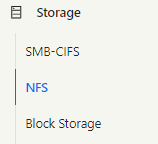
2. You should see the FS Zone for your environment.

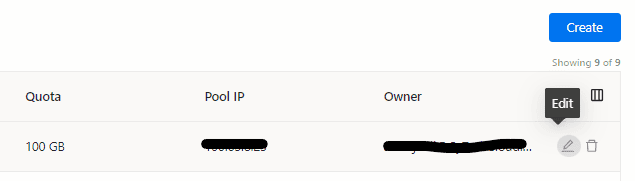
3. Click on the FS Zone and click on “Create” button to create a new share.

4. Fill in the needed details.
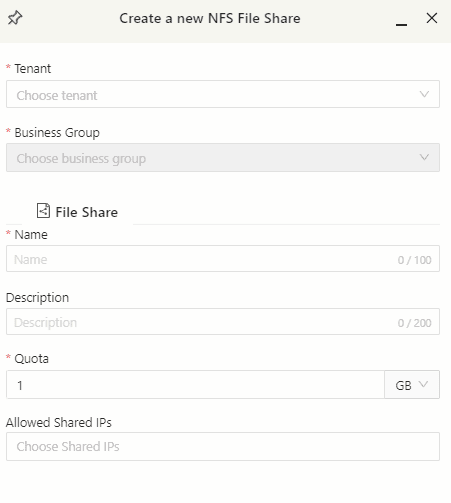
Note: Allowed shared IPs should contain the shared IPs for the VM that require access to the NFS.
After creating a share, you can click on the “Edit” icon for instructions on mounting the NFS and the required firewall rules.