

Search...


MFA Registration
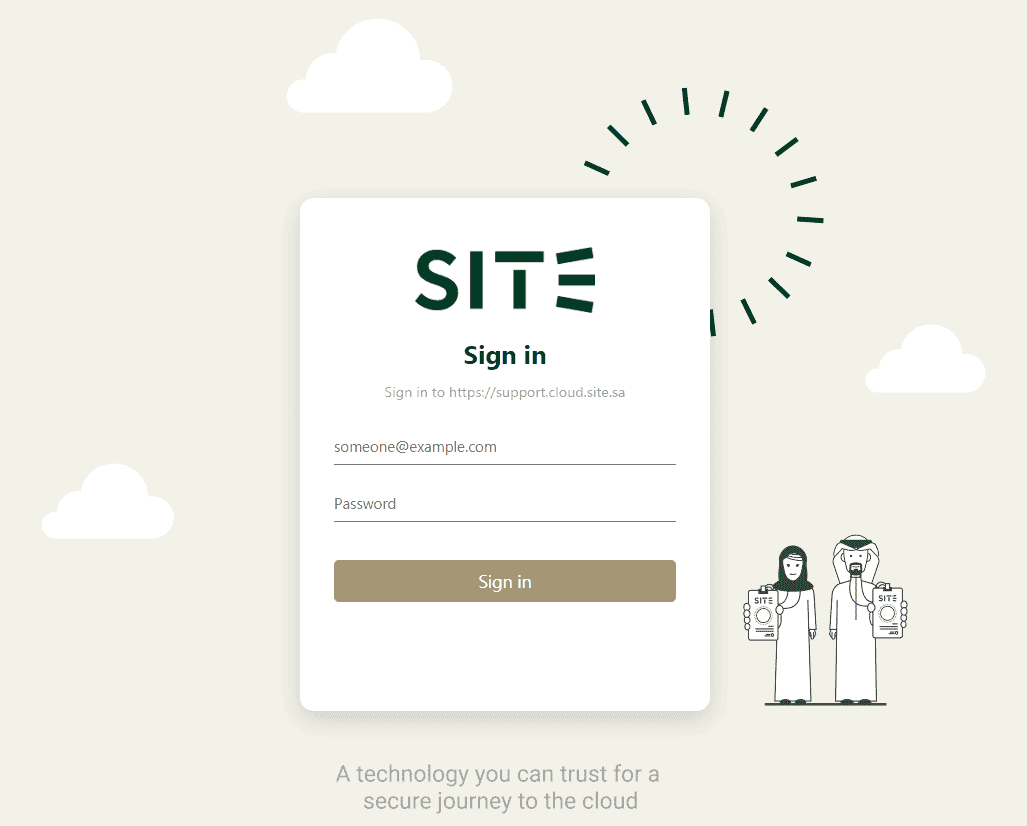
1- Enter your organization email and password in the specified blanks, then press on Sign in.
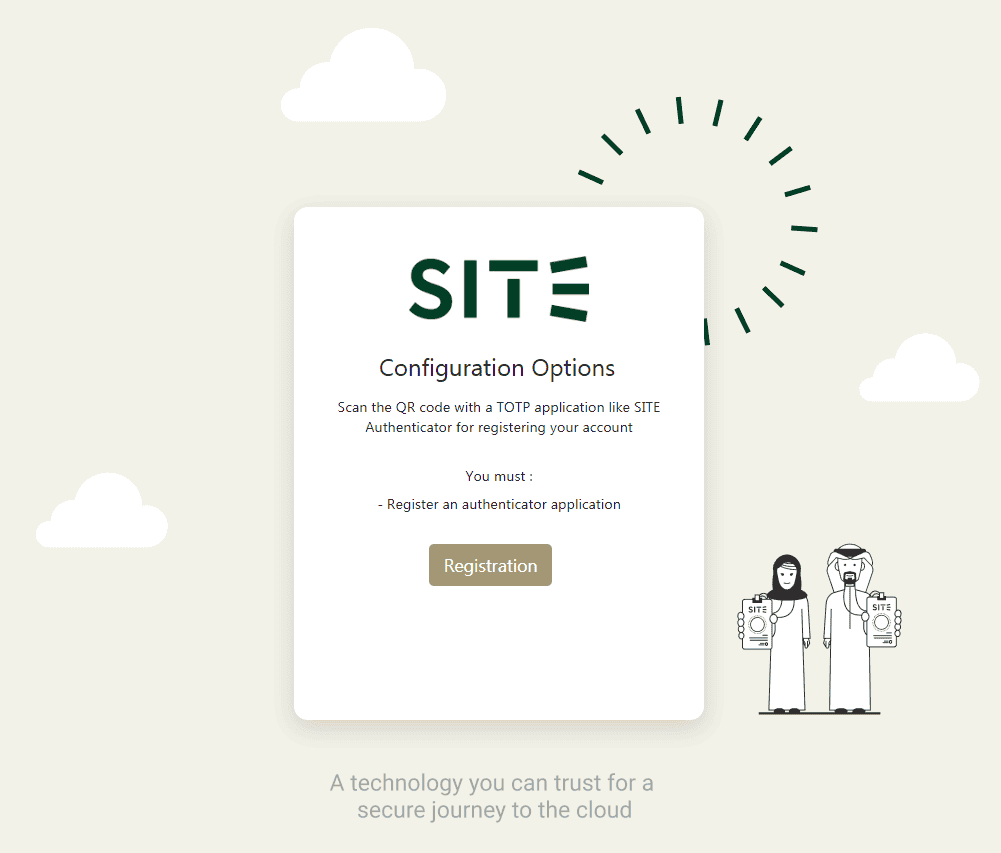
2- On “Configuration Options”, press the Registration button.
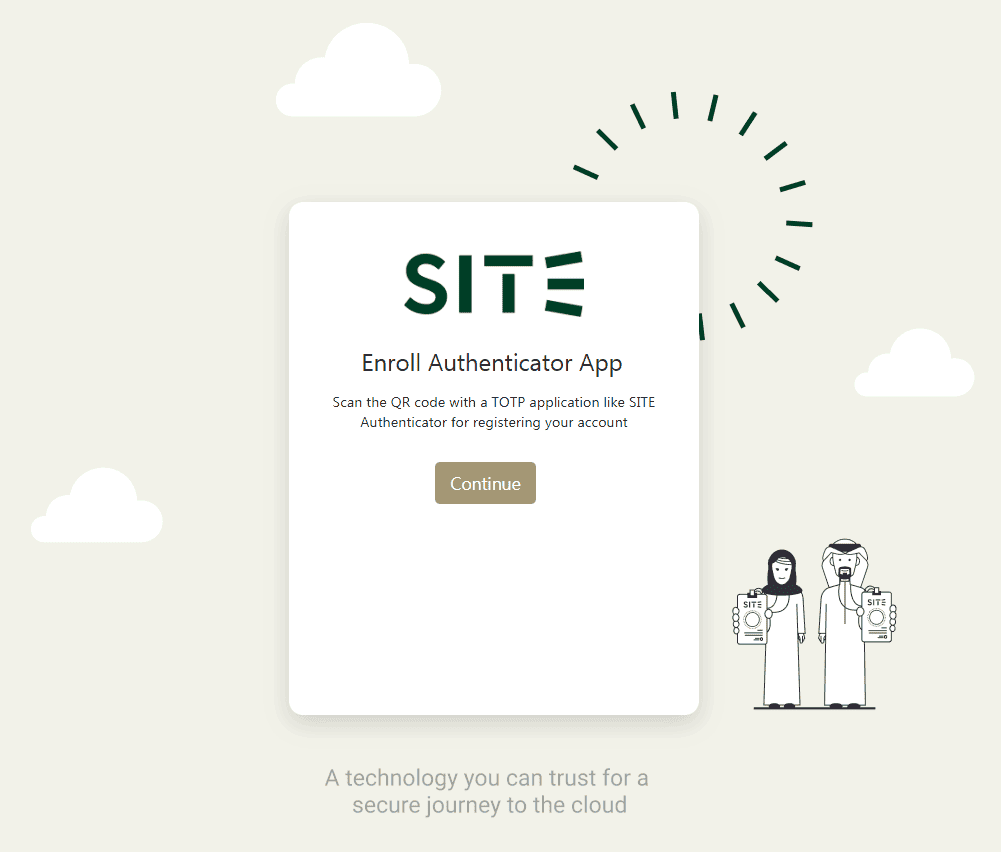
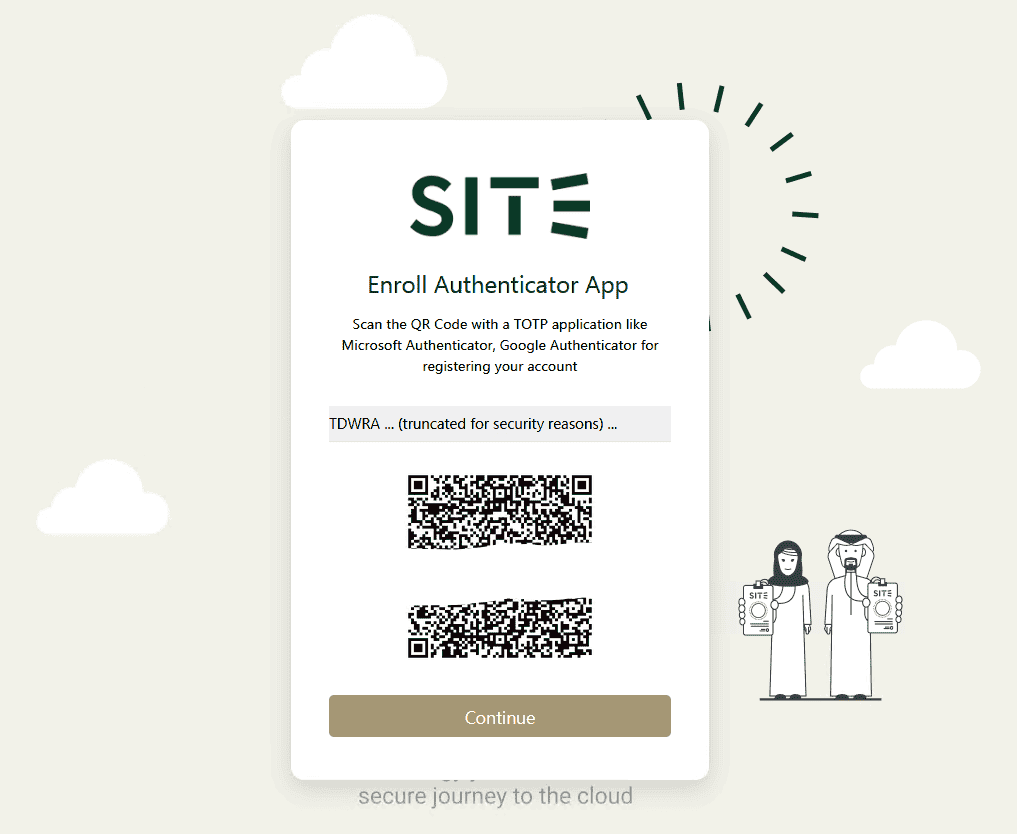
3- On “ Enroll Authenticator App”, press Continue
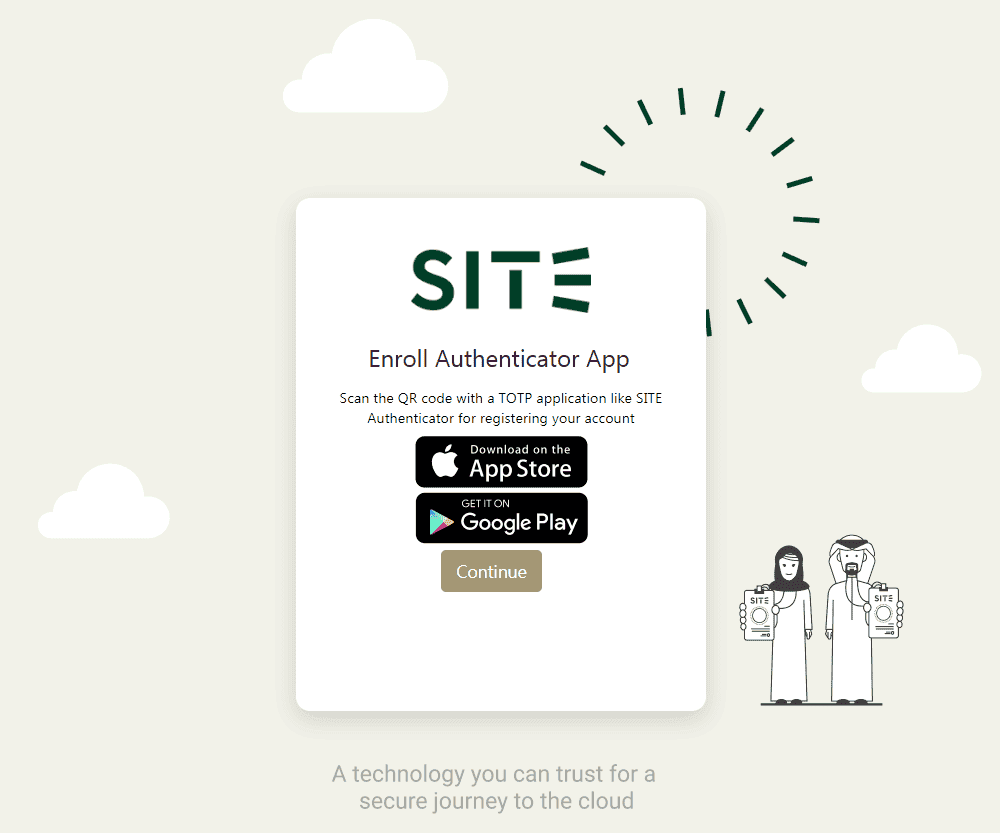
4- On “Enroll Authenticator App”, Download SITE Authenticator on your phone, then press Continue
5- Use SITE Authenticator to capture the QR code, then press Continue
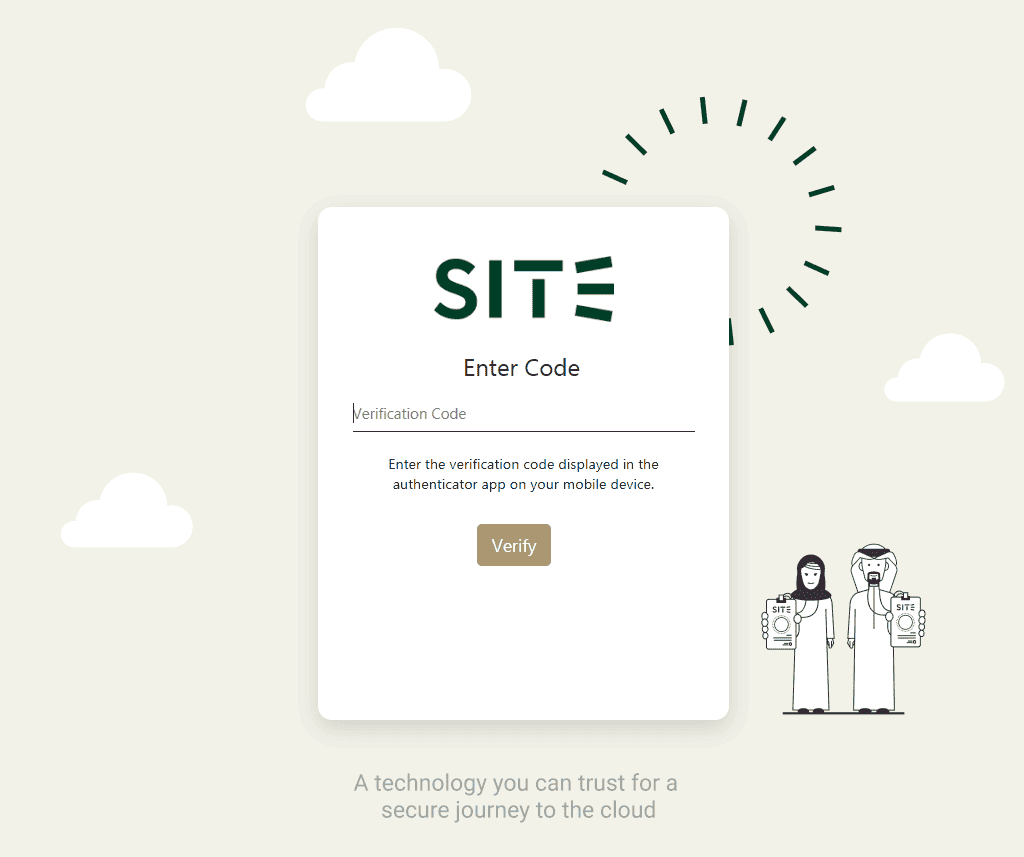
6- Enter the 6-Digit code from SITE Authenticator app, then press Verify
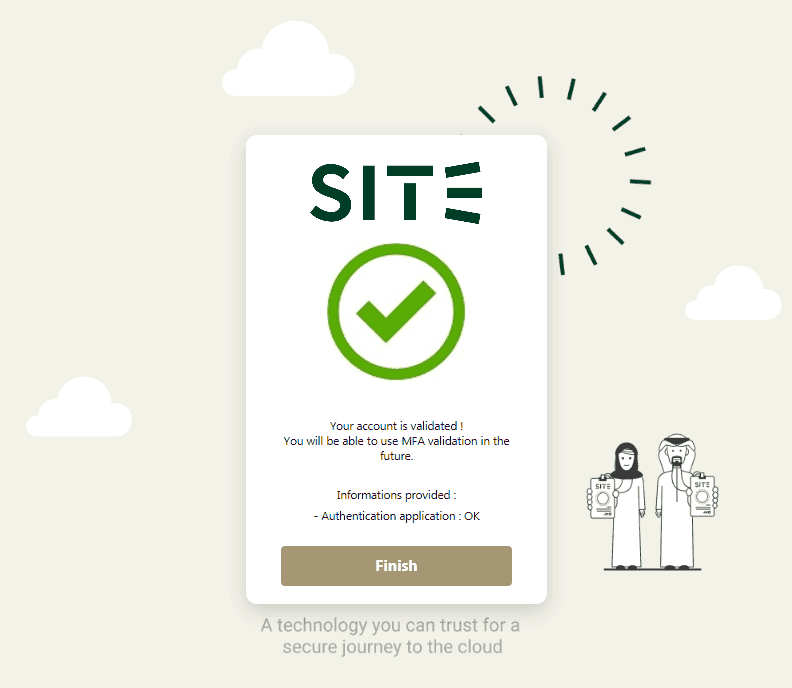
7- Congratulations! You are now registered, press Finish
Updated at 2024-07-28
On this page