

Search...


User Permission
User Permission Guide
Follow these steps to manage user permissions effectively:
User Management:
- Navigate to the User Management under Settings section on SITE cloud portal.
Select the User:
- Find and select the user you want to manage.
- Click on the "…" button to access additional options.

Manage Authorities:
- Select "Manage Authorities" from the list of options.

- Choose the appropriate permissions you want to assign or modify for the user.
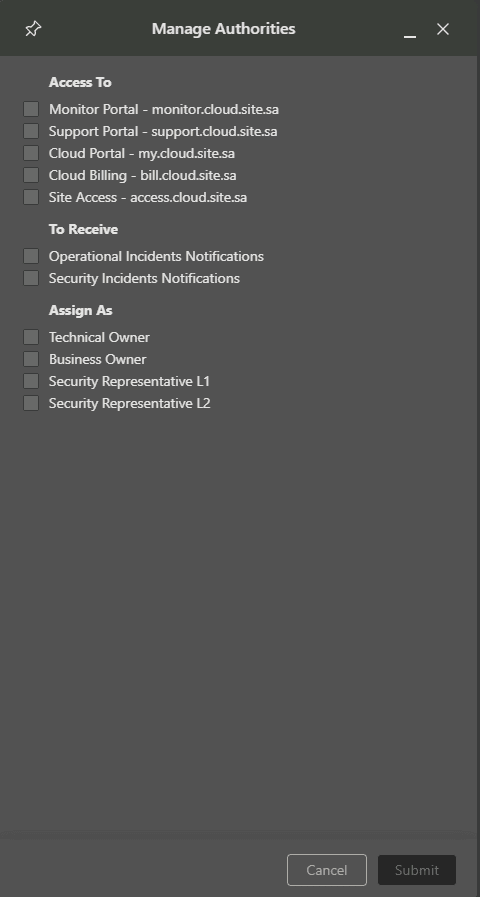
Submit Changes:
- After making the necessary adjustments, click "Submit" to save the changes.
Created at 2025-01-07
On this page