

Search...


How to migrate VMs from BG to another BG
Here is a step-by-step guide for migrating a VM to a new BG:
Access the SITE Cloud Portal: Log into the SITE cloud portal.
Locate the VM: Navigate to the Virtual Machines section and find the VM you wish to migrate.
Edit the Business Group:
- Click on the VM to open its details.

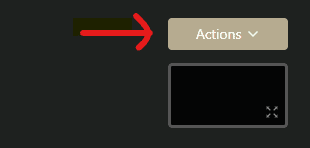
- Select the "Action" button.
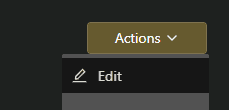
- Choose "Edit" from the dropdown menu.
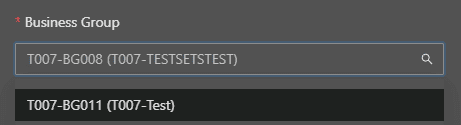
- Change the Business Group (BG) to the new desired BG.
Created at 2025-01-09
On this page